Overview
NitroStack provides a path to deploy MCP applications from NitroStudio to NitroCloud, inspect the deployed server’s tools and input schemas, and test it in NitroChat.
Strengths
- Deploy an MCP application from NitroStudio to NitroCloud in one click, then follow the build process and review deployment logs.
- View the deployed MCP server’s available tools and input schemas, and copy connection details for an external LLM client.
- Enable automatic NitroChat deployment so it connects to the MCP server when deployment is live.
Best for
People with an MCP application in NitroStudio who want to deploy it to NitroCloud and check it in NitroChat.
Limitations
The reviewed product tutorial covers the NitroStudio-to-NitroCloud MCP deployment path. It does not specify pricing, supported languages, security guarantees, or comparative performance.
Workflow
- Open the local app in NitroStudio and confirm it is running in STDIO mode.
- Link the Studio app to a NitroCloud app, review its configuration, and deploy.
- Track the build and review the deployment logs.
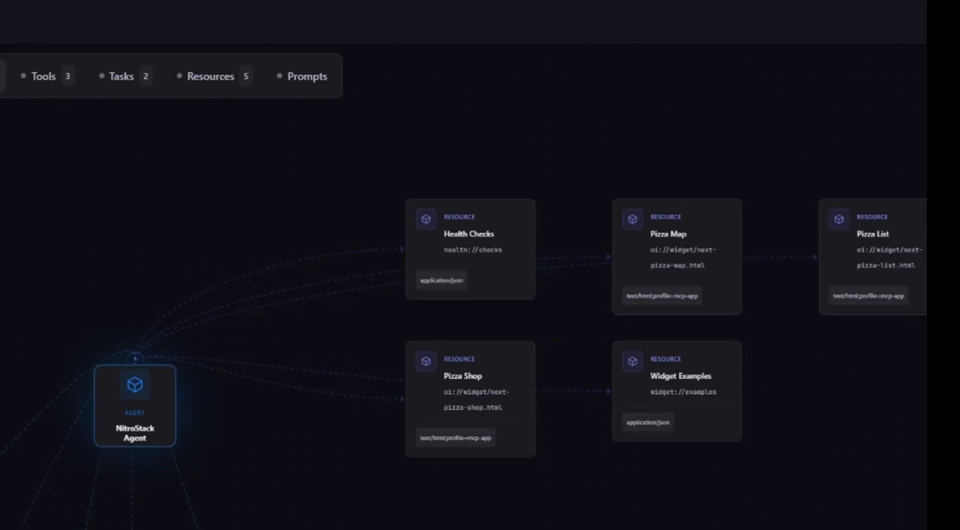
- Open the service URL to inspect available tools, input schemas, and connection details.
- Test the deployed server in NitroChat.
Reviews
Share your experience. Reviews are published after moderation.
Write a review